Every Social Media Image Sizes 2026 You Need (And the ThreeThat Cover Almost Everything)
social media image sizes 2026
You spend an hour on a design. You post it. Instagram crops your logo off the top, Facebook blurs the text, and your LinkedIn banner slices your tagline in half. Every single time.
The frustrating part is that this is entirely avoidable. Each platform has specific dimensions it expects, and uploading at the wrong size means the platform crops, stretches, or compresses your image without asking. Worse, low quality and blurry content gets deprioritised by algorithms on Instagram and TikTok, which means bad dimensions can quietly reduce your reach as well as your appearance.
This guide covers every image size you need in 2026 for the platforms that matter, plus the three sizes that handle almost everything if you would rather not memorise a table.
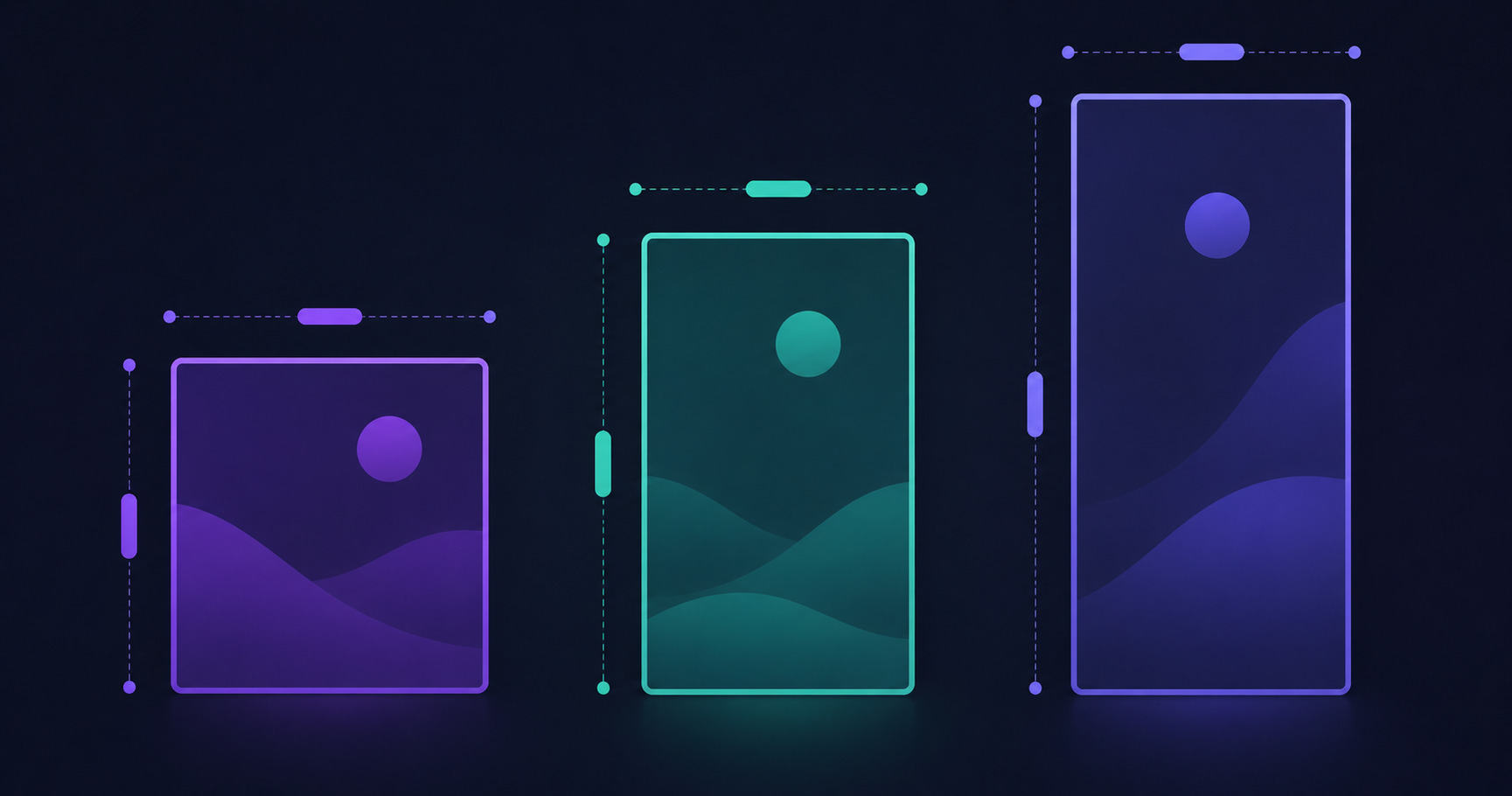
The Three Sizes That Cover Almost Everything
Before the full breakdown, here is the shortcut. Three aspect ratios handle the vast majority of what most people post.
1080 x 1350 pixels, 4:5 portrait. The most versatile single size in 2026. Works natively on Instagram, Facebook, LinkedIn, and Threads feeds. Portrait occupies more screen space than square on mobile, which is why it consistently outperforms other ratios in feed environments.
1080 x 1080 pixels, 1:1 square. The universal safe choice. Works everywhere without cropping, though it takes up less screen space than portrait on mobile feeds.
1080 x 1920 pixels, 9:16 vertical. Stories, Reels, TikTok, and YouTube Shorts. This is the only ratio you should use for short-form vertical video.
If you export at these three sizes and nothing else, you will be fine roughly 90 percent of the time. Resize any image to exact dimensions free using the ToolifyCore Image Resizer.
Feed post portrait: 1080 x 1350 px (4:5). This is the recommended default because Meta displays portrait images larger than squares in the feed.
Feed post square: 1080 x 1080 px (1:1).
Stories and Reels: 1080 x 1920 px (9:16). Keep text and logos away from the top and bottom edges where the app places its interface buttons.
Profile photo: At least 400 x 400 px. Centre your composition since it displays in a circular crop.
Instagram updated its grid layout in 2026, which changed how feed images display in profile view. Portrait 4:5 remains the safest choice through that change.
Square post: 1080 x 1080 px (1:1). Ideal for updates, product features, and quote graphics.
Portrait post: 1080 x 1350 px (4:5). Better mobile performance than square.
Link share preview: 1200 x 630 px (1.91:1). This is the image that appears when someone shares your website link. Getting this wrong means your links look broken in the feed.
Stories and Reels: 1080 x 1920 px (9:16).
Feed image: 1200 x 1200 px works well, though 1080 x 1350 portrait also displays natively.
Link preview: 1200 x 627 px.
Profile photo: 400 x 400 px (1:1). Centre your face, since LinkedIn crops to a circle across desktop and mobile.
LinkedIn has a tighter file size limit than most platforms at 8MB for personal accounts and just 3MB for company pages, which makes compression genuinely important here. Reduce file size without visible quality loss using the free ToolifyCore Image Compressor.
X, Formerly Twitter
Feed images: Square 1:1 and landscape 16:9 are the safest options. 1080 x 1080 px or 1200 x 675 px both work reliably.
X handles a wider range of aspect ratios than most platforms without aggressive cropping, but extreme ratios still get cut in the timeline preview.
Standard pin: 1000 x 1500 px (2:3). Pinterest is the one major platform where 2:3 rather than 4:5 is the native ratio, and using the wrong one here is particularly noticeable.
Pinterest allows generous file sizes up to 20MB, so quality is rarely the constraint. Ratio is.
TikTok and YouTube Shorts
Video and cover: 1080 x 1920 px (9:16), full screen vertical.
For 9:16 content across all platforms, keep text and logos out of roughly the top 250 pixels and bottom 350 pixels. That area is covered by usernames, captions, buttons, and progress bars depending on the platform.
YouTube
Thumbnail: 1280 x 720 px (16:9), under 2MB. YouTube’s thumbnail file size cap is the tightest of any major platform, which means compression is often required. The free image compressor handles this in seconds.
File Format: JPG, PNG or WebP?
Dimensions are only half of it. Format decides whether your image stays sharp after the platform processes it.
Use JPG for photographs. Smaller files, good compression, universally supported. This is your default.
Use PNG for logos, text, and graphics that need sharp edges or transparency. PNG files are larger but preserve crisp lines that JPG compression softens.
WebP is accepted on most major networks in 2026 and produces smaller files than either at equivalent quality, but JPG remains the safest universal fallback if you are unsure.
Convert between formats free with the PNG to JPG converter or the WebP converter at ToolifyCore.
File Size Limits by Platform
Staying well under each platform’s cap matters because smaller files load faster and rarely trigger heavy re-compression, which is what actually destroys image quality.
Facebook and Instagram: up to approximately 8MB
LinkedIn: 8MB personal, 3MB company pages
Pinterest: up to 20MB
YouTube thumbnails: 2MB maximum
A phone photo straight from the camera is frequently 4 to 8MB, which means many uploads sit right at the limit and get aggressively compressed by the platform. Compressing to around 500KB before uploading gives you control over the quality loss rather than leaving it to the platform’s algorithm.
Five Rules That Prevent Most Problems
Always upload at 1080 pixels width minimum. Platforms downscale large images cleanly but upscale small ones into a blur. Starting too small is unrecoverable.
Design in aspect ratios, not pixel dimensions. Platforms adjust their exact pixel specs regularly, but 1:1, 4:5, and 9:16 have remained stable for years. Thinking in ratios future-proofs your work.
Respect the safe zones. For vertical content, the top and bottom of the frame belong to the platform’s interface. Anything important placed there will be covered.
Compress before uploading, not after. You control the quality trade-off. The platform’s automatic compression does not care how your text looks.
Crop deliberately rather than letting the platform decide. Use the free image cropper to set the frame yourself. Automatic cropping consistently cuts the wrong thing.
The Practical Workflow
For anyone posting regularly across multiple platforms, here is the sequence that saves the most time.
Design once at 1080 x 1350 with all important content centred and away from the edges. Export that as your master. Resize to 1080 x 1080 for square placements and 1080 x 1920 for stories, keeping the centred composition intact so nothing critical falls outside the frame in either crop. Compress each version to under 1MB. Upload.
Three files, three minutes, correct on every platform. All three steps can be done free in your browser at ToolifyCore.com without installing anything.
What is the best image size for social media in 2026?
1080 x 1350 pixels at a 4:5 portrait ratio is the most versatile single size for 2026. It displays natively on Instagram, Facebook, LinkedIn, and Threads feeds, and portrait images consistently outperform square and landscape formats because they occupy more screen space on mobile. For stories, reels, and short-form vertical video, use 1080 x 1920 pixels at 9:16. For Pinterest specifically, use 1000 x 1500 pixels at 2:3, since Pinterest uses a different native ratio to other platforms.
Does uploading the wrong image size affect reach?
It can. Platforms including Instagram and TikTok have confirmed that low quality, blurry, or heavily compressed content is deprioritised by their algorithms. Uploading an image below 1080 pixels wide forces the platform to upscale it, producing visible blur. Uploading at the wrong aspect ratio triggers automatic cropping that may cut off faces, logos, or text. Both outcomes make content look less professional and can reduce how widely it is distributed.
Should I use JPG, PNG or WebP for social media?
Use JPG for photographs, since it produces smaller files with good compression and is universally supported across every platform. Use PNG for logos, text-heavy graphics, and anything requiring transparency or sharp edges, because JPG compression softens fine lines. WebP is accepted on most major networks in 2026 and produces smaller files at equivalent quality, but JPG remains the safest universal fallback when you are uncertain about a specific platform’s support.
Bookmark the Three Numbers
Platforms will keep adjusting their specifications. They always do. But 1:1, 4:5, and 9:16 have been stable for years and will almost certainly remain so, because they map to how phones are actually held and how feeds are actually built.
Design in those three ratios, upload at 1080 pixels wide minimum, compress before posting, and you will stop losing an hour of design work to an automatic crop.
Resize, crop, compress, and convert images free at ToolifyCore.com, all running in your browser with no signup and no files uploaded to any server. For more practical guides, visit the ToolifyCore blog.
Note: Dimensions in this guide reflect published platform specifications as of August 2026 and are drawn from Hootsuite, Buffer, Iconosquare, and DMA. Social platforms adjust their layouts periodically, sometimes without announcement. Cross-check with official platform documentation for time-sensitive campaigns.