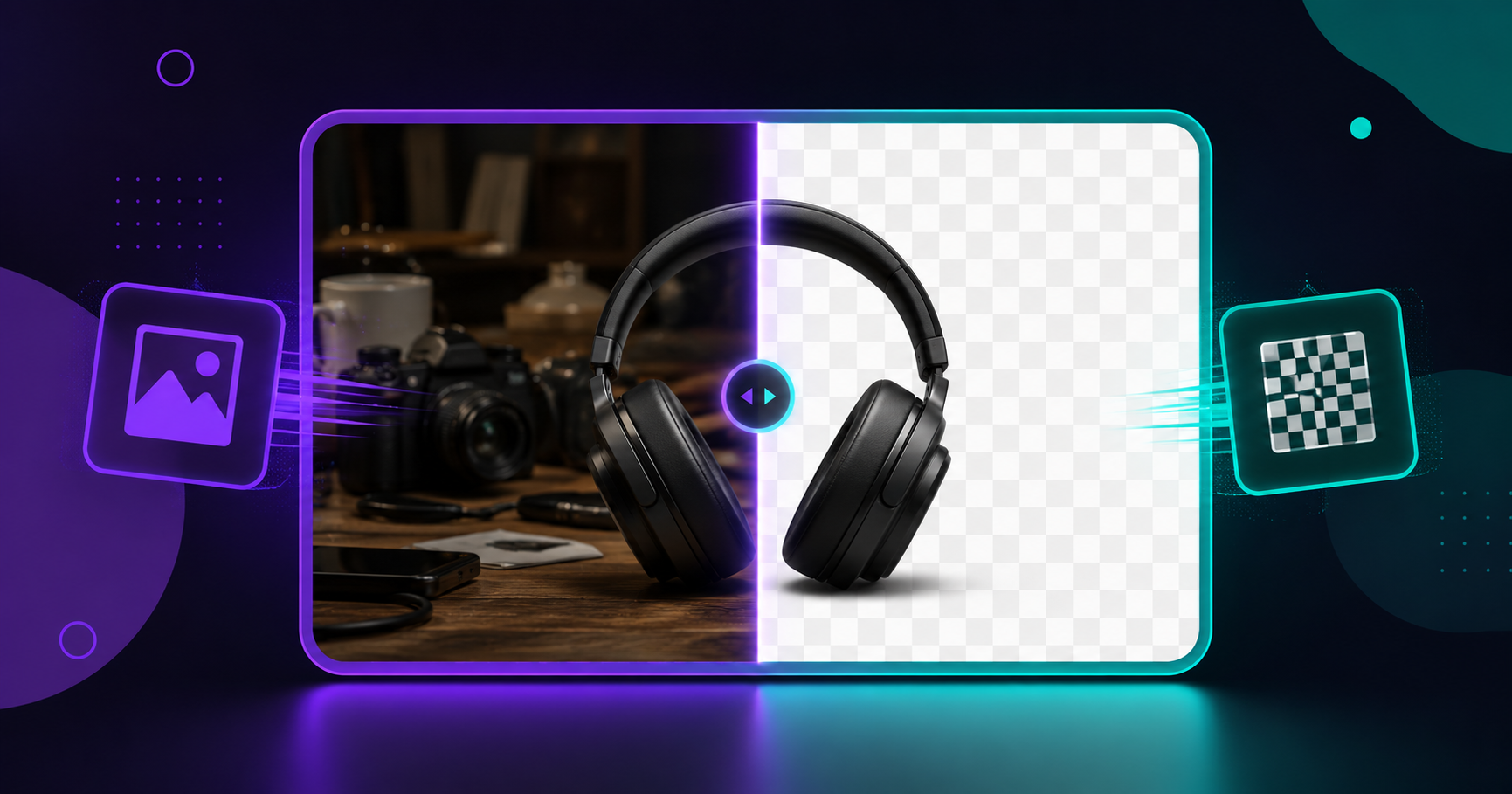
How to Remove an Image Background for Free in 10 Second
You found the perfect product photo, but the cluttered background ruins it. Or maybe you need a clean headshot for LinkedIn, a transparent logo for your website, or a professional profile picture without the messy room behind you. Removing a background used to require expensive software and design skills. In 2026, you can do it free in your browser in under ten seconds.
This guide shows you exactly how to remove the background from any image for free, why it matters for your work, and how to get professional results without spending anything or learning complex tools.
Why Background Removal Is So Useful
A clean background instantly makes any image look more professional. For small business owners and online sellers, product photos with white or transparent backgrounds look far more trustworthy and are often required by marketplaces like Amazon, Daraz, and eBay. For job seekers, a clean professional headshot stands out on LinkedIn and CVs.
Content creators use background removal to place subjects onto new backgrounds, create thumbnails, and design social media graphics. Even for everyday use, removing a distracting background from a photo before sharing it can make a huge difference in how polished it appears.
How to Remove an Image Background for Free
The easiest method uses a browser-based tool that does the work automatically using smart detection. Here is the step-by-step process with the free ToolifyCore Background Remover:
Step 1: Open the background remover tool in your web browser. No installation or account needed.
Step 2: Upload your image by dragging it in or clicking to select from your device.
Step 3: The tool automatically detects the main subject and removes the background, leaving a clean transparent result.
Step 4: Download your image with the background removed, ready to use anywhere.
What Types of Images Work Best?
Background removal works best when there is clear contrast between the subject and the background. A person standing against a plain wall, a product on a simple surface, or an object with well-defined edges all produce excellent results. Images where the subject stands out clearly give the cleanest cutouts.
More challenging images include those with fine details like flyaway hair, transparent objects like glass, or subjects that blend into a similar-colored background. For these, you may need to touch up the edges slightly, but the tool still handles the bulk of the work automatically. To explore more free image tools on ToolifyCore, browse the full collection.
Tips for Professional-Looking Results
To get the best background removal, start with a well-lit, clear photo. Good lighting helps the tool distinguish the subject from the background. If possible, photograph your subject against a contrasting background a person in dark clothing against a light wall, for example.
After removing the background, you can place your subject on a solid white background for product listings, a branded color for marketing, or keep it transparent for logos and overlays. If the edges need cleanup, most images only require minor touch-ups around detailed areas.
Common Uses for Background Removal
The applications are nearly endless. Online sellers create clean product catalogs. Freelancers design professional portfolios. Students make presentation graphics. Social media managers produce eye-catching posts and thumbnails. Job seekers craft polished profile pictures.
Small businesses in particular benefit enormously a consistent set of product photos with clean backgrounds can make an online store look far more professional and trustworthy, directly impacting sales. Once your background is removed, you can also resize the image or compress it for faster loading, all free at ToolifyCore.com.
Is removing image backgrounds online free?
Yes. Tools like the ToolifyCore Background Remover are completely free with no signup required. Many paid services charge monthly fees or limit how many images you can process, but free browser-based tools let you remove backgrounds from as many images as you need without any cost.
Are my photos safe when removing backgrounds online?
With a browser-based tool that processes images locally, your photos stay private on your own device and are not uploaded to any server. This is important when working with personal photos or confidential product images. Always check whether a tool processes files locally or uploads them before using it for sensitive images.
Can I remove backgrounds on my phone?
Absolutely. Browser-based background removal tools work on any device with a web browser, including Android phones and iPhones. You can upload a photo directly from your phone’s gallery, remove the background, and download the result all without installing an app.
Final Thoughts
Removing image backgrounds is no longer a task reserved for graphic designers with expensive software. Free browser-based tools have made professional background removal accessible to everyone in seconds. Whether you are building an online store, polishing your professional image, or creating content, clean backgrounds instantly elevate the quality of your visuals.
Try the free ToolifyCore Background Remover now no signup, completely private. Discover all 30 plus free tools at ToolifyCore.com.
Note: Tool features and specifications mentioned in this article are accurate at time of publication and may change. Always check the official tool page for current features.